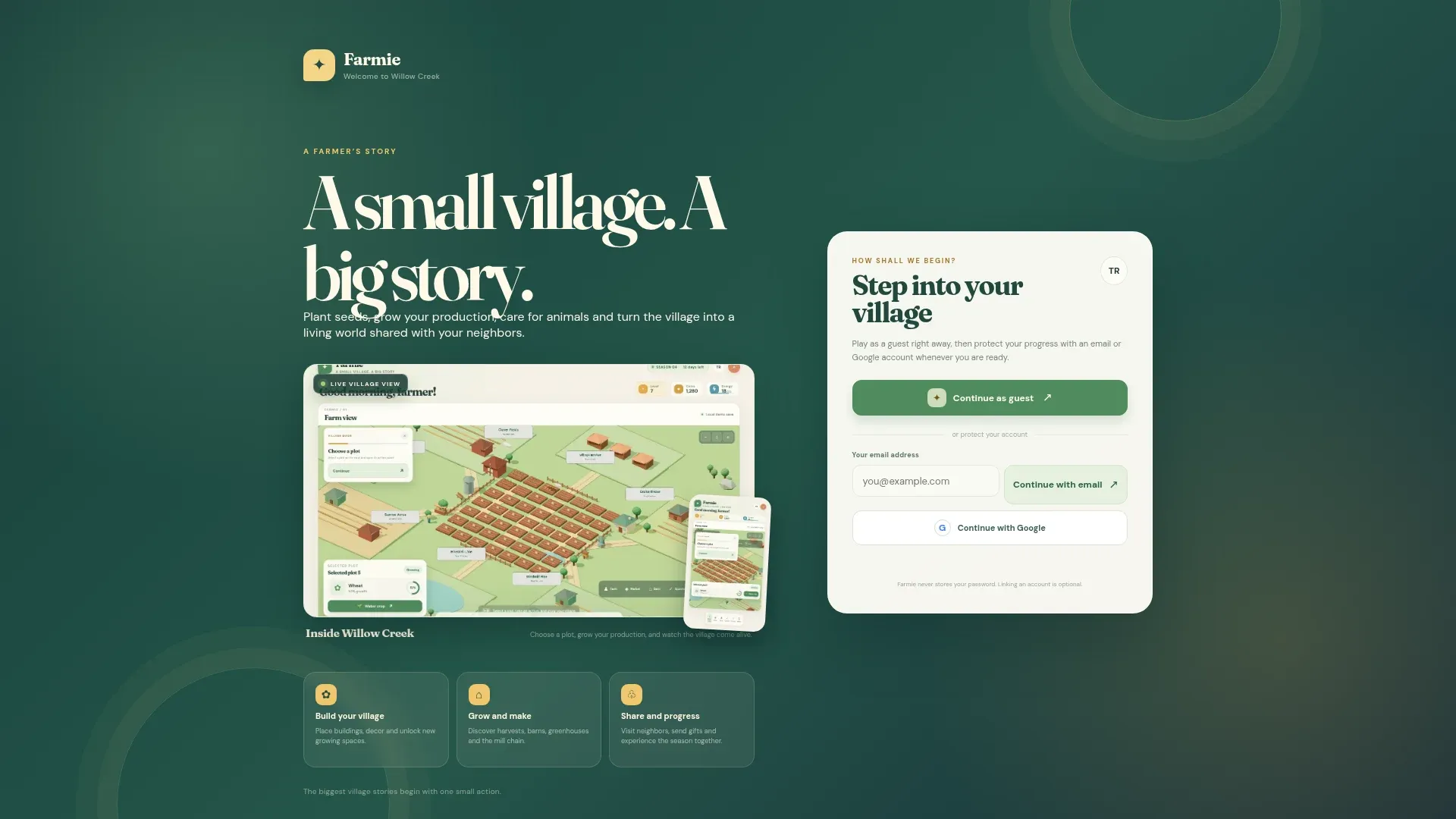
Farmie
A low-poly farm and village game you play in the browser. Plant, water, harvest, sell at the market and visit neighbouring farms.
- Type
- Browser game
- Status
- Live prototype
- Address
- farmie.semih.fun
- Sheet
- 01
Venus Yazılım builds business software from e-commerce to ERP, and runs the server, backend platform, domain and email it depends on. When something breaks, nobody argues about whose problem it is.
Every unit in the rack is a service. The software we write sits on top, the infrastructure that runs it below. Every row opens its own page with the scope and frequent questions.
| Service | Scope | Tools | U |
|---|---|---|---|
| E-commerce | Stores that sell, know their stock and track every order. | Laravel, PHP, MySQL, PostgreSQL | U21–U22 |
| SaaS | Ideas that turn into subscriptions, multi-tenant products. | Laravel, React, Node.js, PostgreSQL | U20 |
| WHMCS themes and addons | Themes and addons that turn the client area into a sales site. | WHMCS, PHP, Smarty, JavaScript | U19 |
| WiseCP themes and addons | WiseCP sites and modules that grow without touching the core. | WiseCP, PHP, Smarty, JavaScript | U18 |
| CMS | Simple, fast panels where you run your own content. | Laravel, Blade, React, MySQL | U17 |
| News platforms | News sites with fast headlines that survive traffic spikes. | Laravel, Blade, MySQL, PostgreSQL | U16 |
| Blog platforms | Writing sites that get read, found and quoted. | Astro, Laravel, Markdown, Tailwind CSS | U15 |
| CRM | Panels that keep customers, quotes and the pipeline in one place. | Laravel, React, PostgreSQL, MySQL | U14 |
| ERP | Systems that put stock, production and finance on one table. | Laravel, PHP, PostgreSQL, MySQL | U12–U13 |
| Browser games | Web games you play without a download, and come back to. | Three.js, WebGL, Vite, Node.js | U10–U11 |
| WebGL and 3D | 3D scenes you can turn and touch, right in the browser. | Three.js, WebGL, Vite, React | U09 |
| Service | Scope | Tools | U |
|---|---|---|---|
| VPS and server management | Setup, security and care for the server your application runs on. | Ubuntu, CloudPanel, Nginx, PHP-FPM | U05–U06 |
| Backend platform (pgapi) | Supabase-compatible database, auth, file and realtime infrastructure. | PostgreSQL, PostgREST, GoTrue, pg_graphql | U02–U04 |
| Domains and business email | Your domain, your DNS records and the email sent in your brand's name. | Cloudflare, DNS, SMTP, SPF | U01 |
Live projects and our own products, each at a live address with its own record.
A low-poly farm and village game you play in the browser. Plant, water, harvest, sell at the market and visit neighbouring farms.
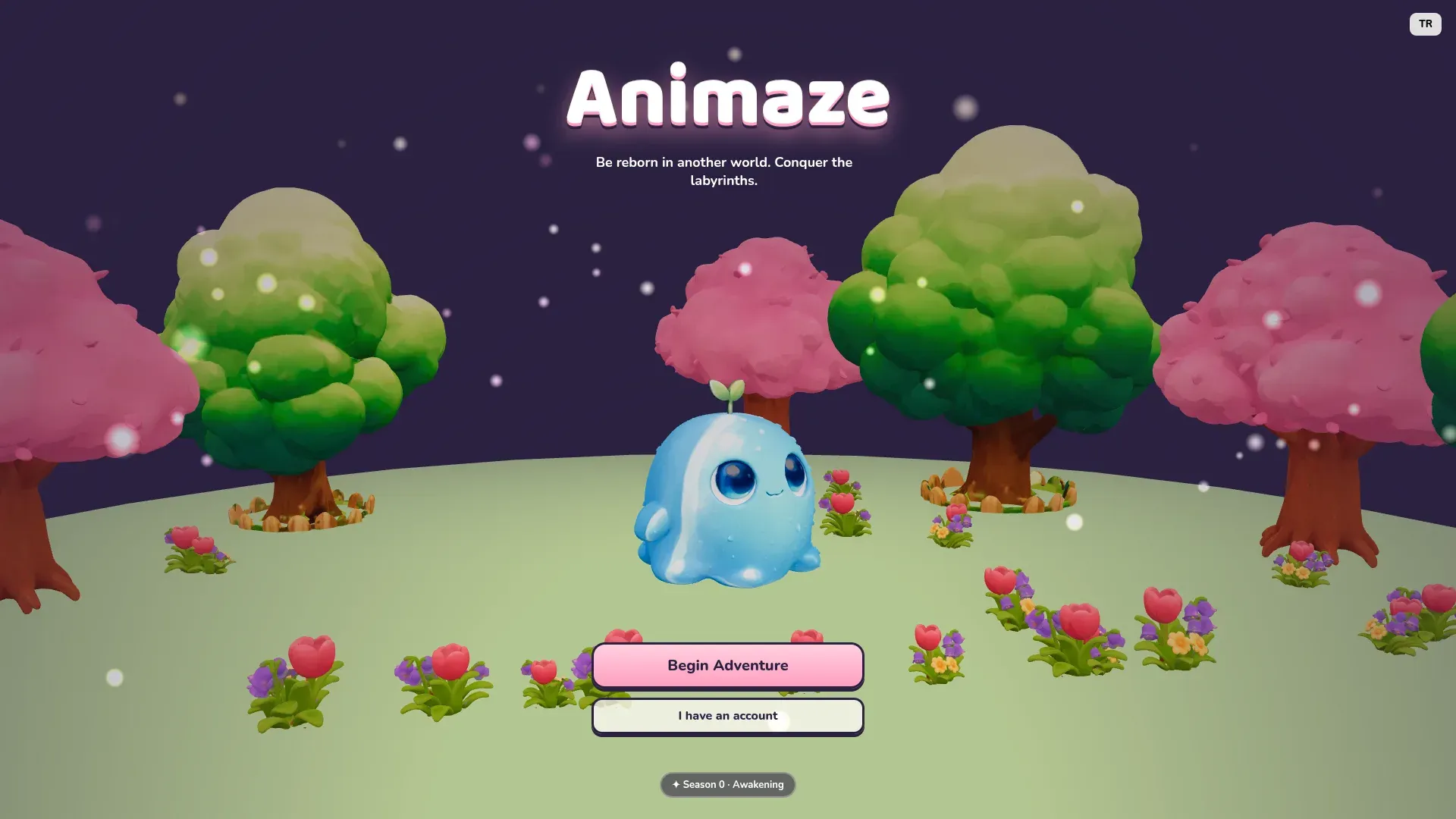
A cute, chibi-style isekai labyrinth game played in the browser. Be reborn in another world, receive a unique skill and conquer labyrinths that rebuild themselves on every floor.
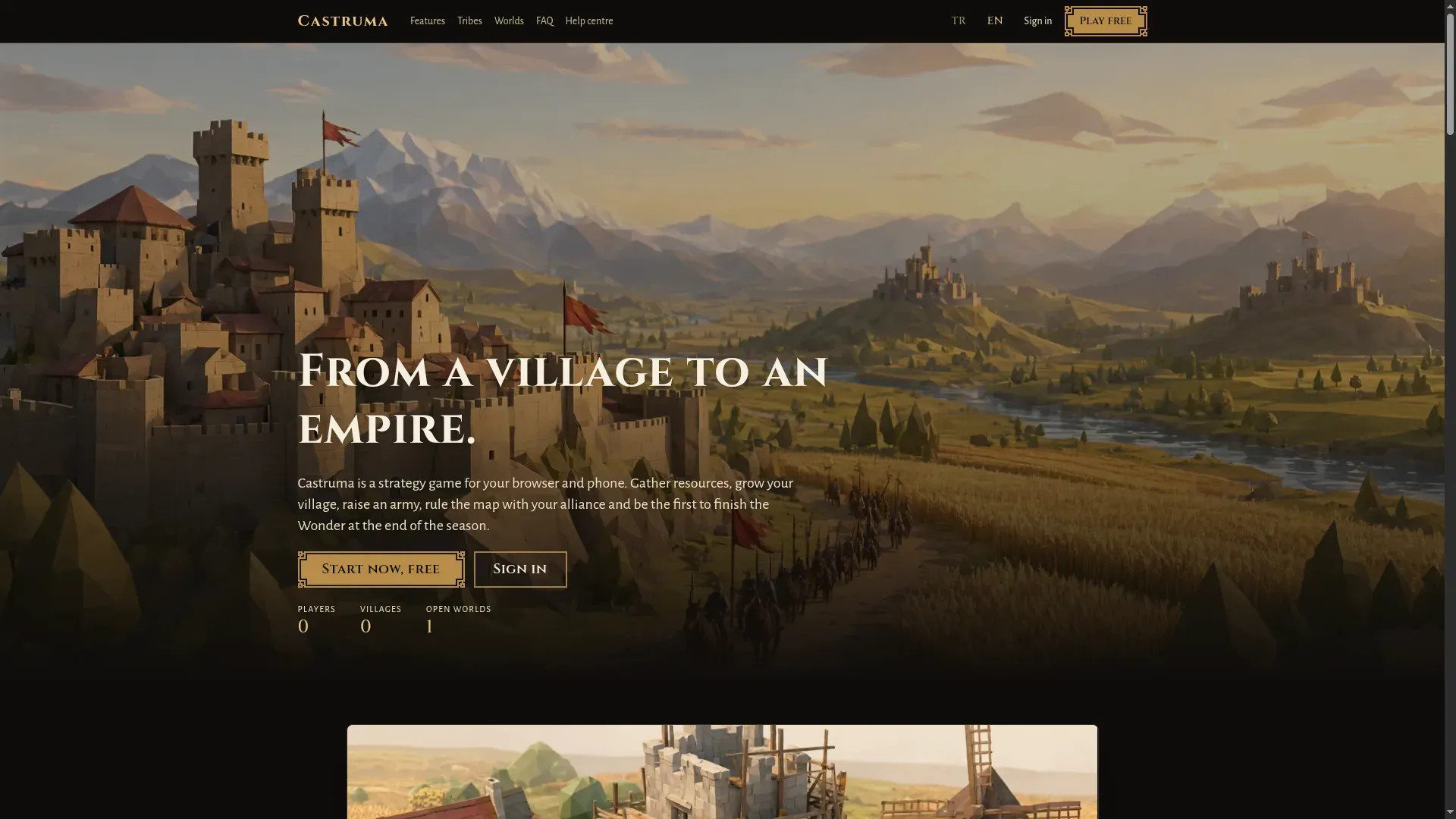
A multi-world strategy game for browser and phone. Build your village, raise an army, rule the map with your alliance and be first to finish the Wonder at season's end.
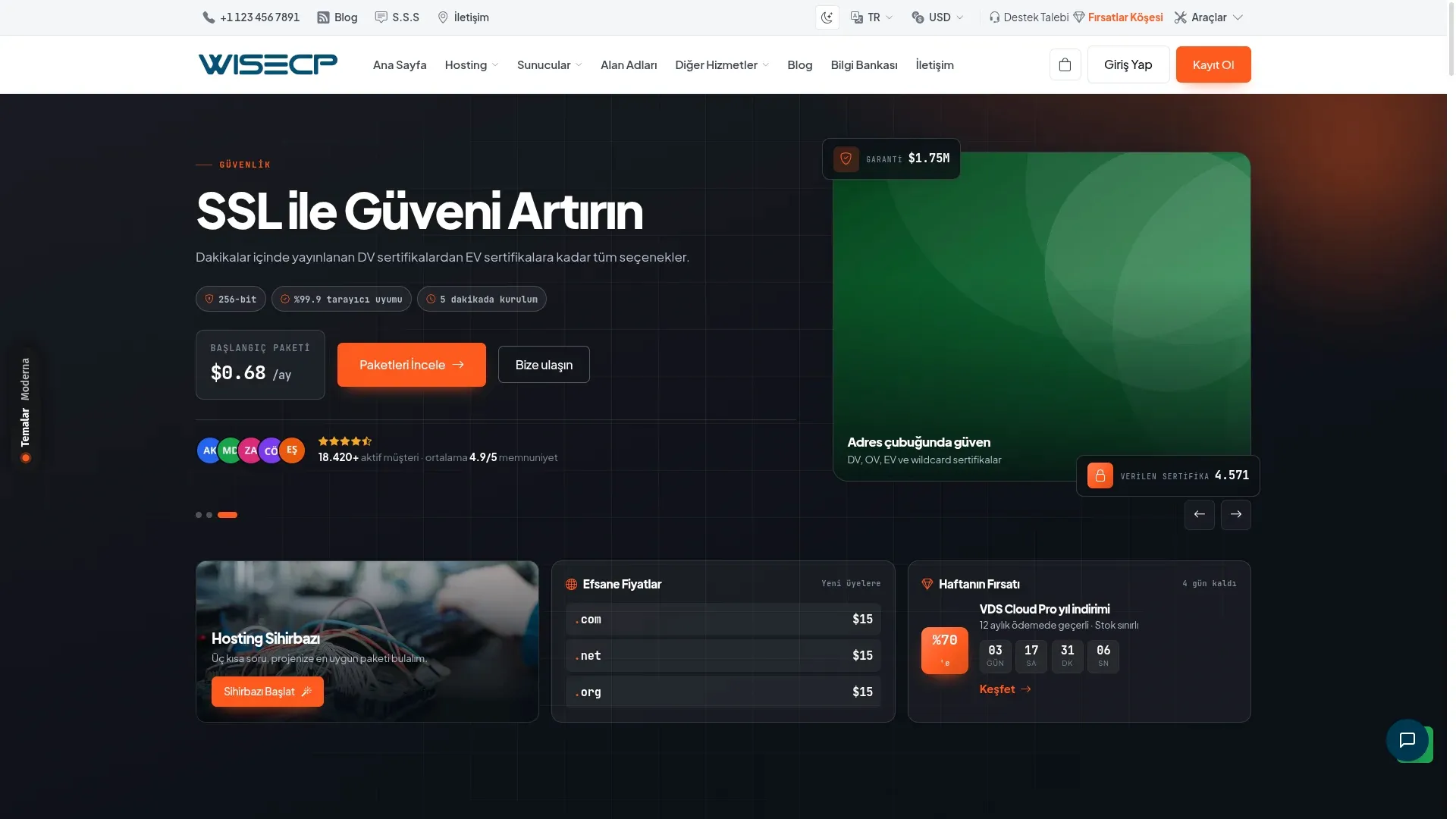
A dark, orange-accented hosting theme compatible with WiseCP 5. A reassuring storefront with live numbers, social proof and three ways to view plans.
Themes for hosting companies on WHMCS and WiseCP. Open the live demo, then buy it or have it adapted to your brand.
A dark, orange-accented hosting theme compatible with WiseCP 5. A reassuring storefront with live numbers, social proof and three ways to view plans.
A WiseCP 5 compatible hosting theme with a modern bento layout. Built to sell, with a plan wizard, a deal countdown and pricing tables that switch billing periods.
A WiseCP 5 compatible hosting theme styled like a shipping label. Service codes, barcodes and cut lines present every product like a parcel.
A dark, green-accented WHMCS theme for hosting companies. The sales flow, from domain search to picking a plan, lives on a single page.
A light WHMCS theme with editorial typography, featuring a campaign bar, big numbers, domain search and comparison tables for servers.
A clean, reassuring WHMCS theme in white with green accents, with service cards, plans with a monthly/yearly switch and a VPS table.
We talk about what you need to solve: sales, time or scale. Users, scope and constraints are agreed in writing.
Screens, data model, technology and server architecture are chosen, and the order in which parts open is set.
Design, code and infrastructure move together. You steer by trying in-progress versions at a real address.
Domain, SSL, email, backups and monitoring pass a checklist; the project goes live.
After launch the same team takes on updates, security and new features.
The most common reason business email lands in spam is missing authentication records. What SPF, DKIM and DMARC do and how we set them up.
Step by step on our Supabase-compatible platform pgapi, from creating a project to protecting tables with RLS and connecting with supabase-js.
The 12 points we check on the server, domain, backups, security and monitoring before taking a web application live, and why each one is there.
Describe your project in a few steps and we’ll prepare a written proposal with scope, timeline and an infrastructure plan.